


What Is an AV Control System – And Does Your Workplace Need One?
What Is an AV Control System – And Does Your Workplace Need One?
Walk into a meeting room and count the number of ways you can control the technology in it.
A remote for the display. An app for the conferencing system. A wall panel for the blinds. A separate input switcher for the laptop. A Teams or Zoom interface on screen. Maybe a physical button somewhere that nobody is quite sure about.
For IT and facilities managers, this isn’t just untidy – it’s a genuine support burden. Every additional interface is another point of failure, another thing to train people on, and another reason someone raises a ticket at 9am because the screen won’t switch inputs.
An AV control system solves this. Here’s what they are, how they work, and where they make the most sense.
So, What Exactly Is an AV Control System?
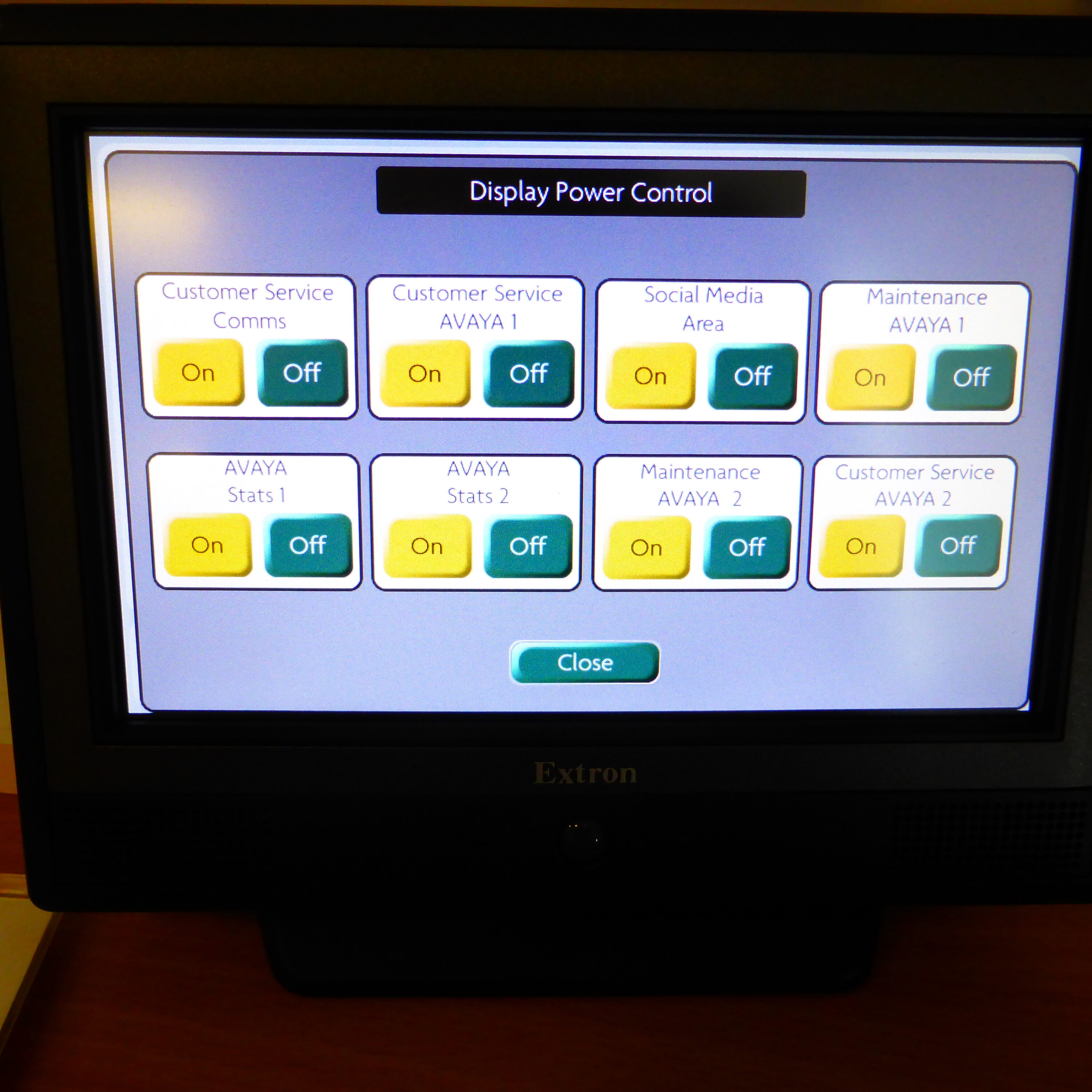
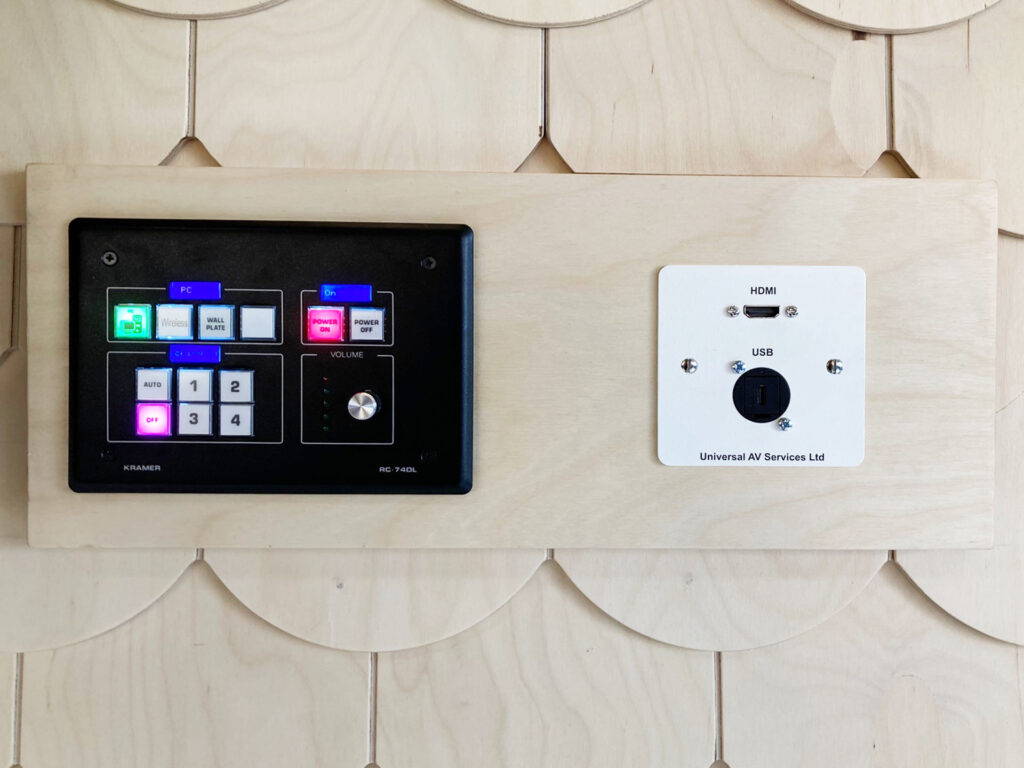
An AV control system is a centralised platform that manages all the technology in a space through a single interface – typically a wall-mounted touchscreen, a desk panel, or a tablet.
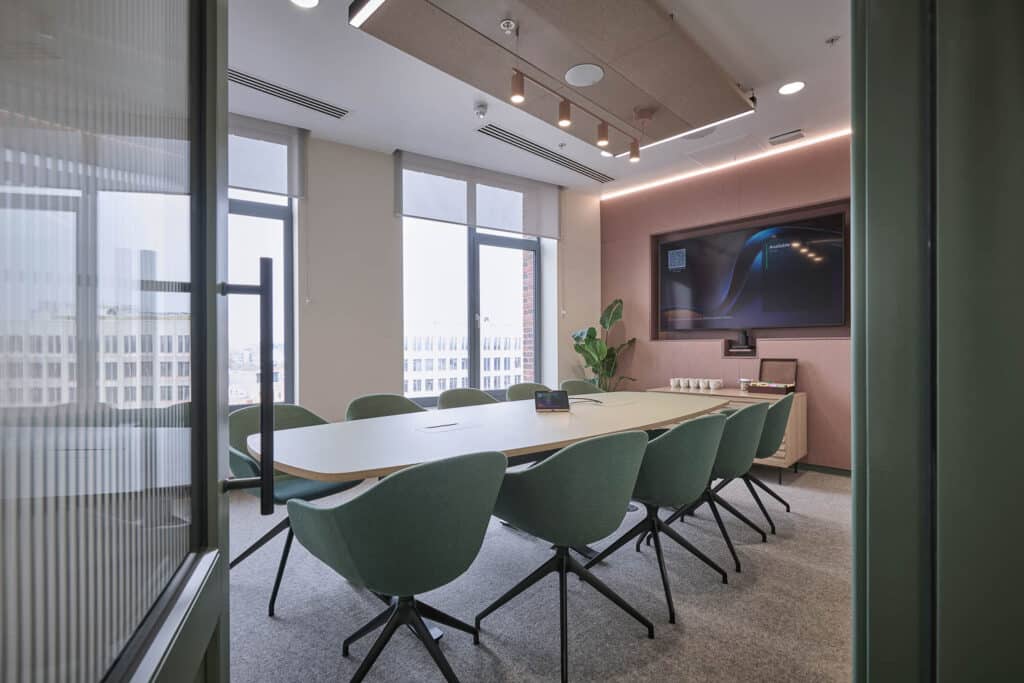
Rather than operating each piece of equipment separately, users interact with one interface that talks to everything in the room: displays, projectors, audio, cameras, video conferencing platforms, lighting, blinds, and anything else that’s been integrated.
The system sits on top of your AV infrastructure and acts as the translator between the user and the technology. Press “Start Meeting” and the system powers on the display, opens your conferencing platform, dims the blinds, and sets the camera to its default position – all at once, without the user touching anything individually.
At its core, it’s about reducing complexity for the people using the room, while giving IT and facilities teams better visibility and control from the back end.
How Does It Actually Work?
An AV control system has three main components:
- The control processor
This is the brain of the system. It receives commands from the user interface and sends the corresponding instructions to each connected device. It sits either in the room itself or in a centralised rack, and it runs the logic that defines what happens when a button is pressed.
- The user interface
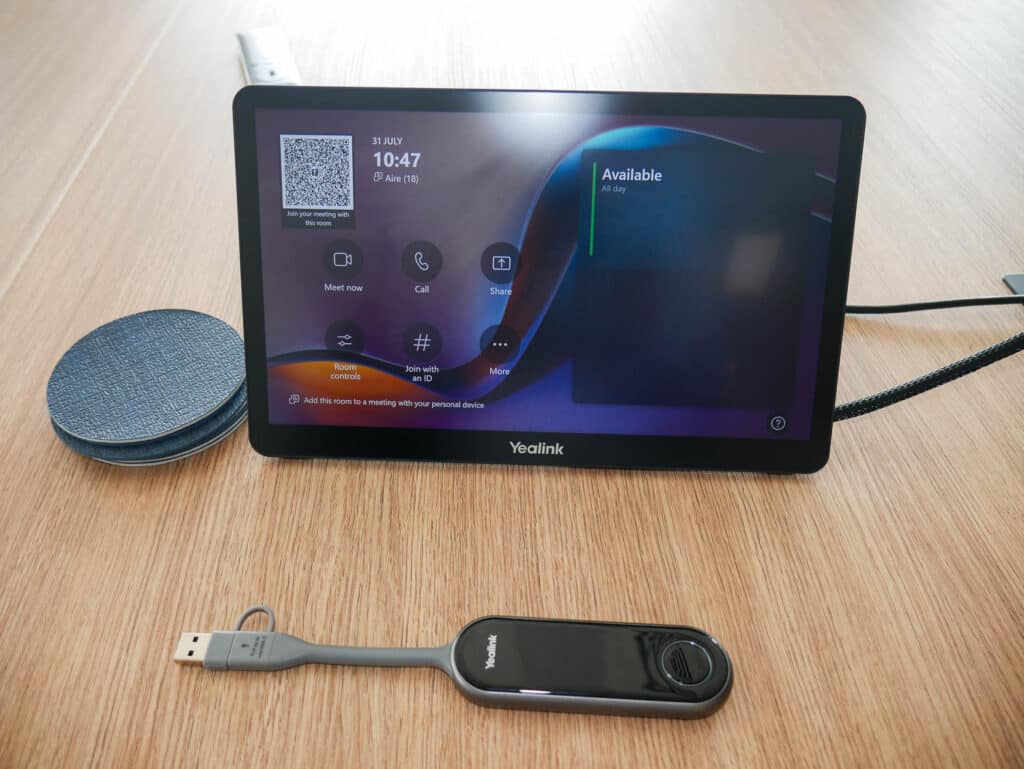
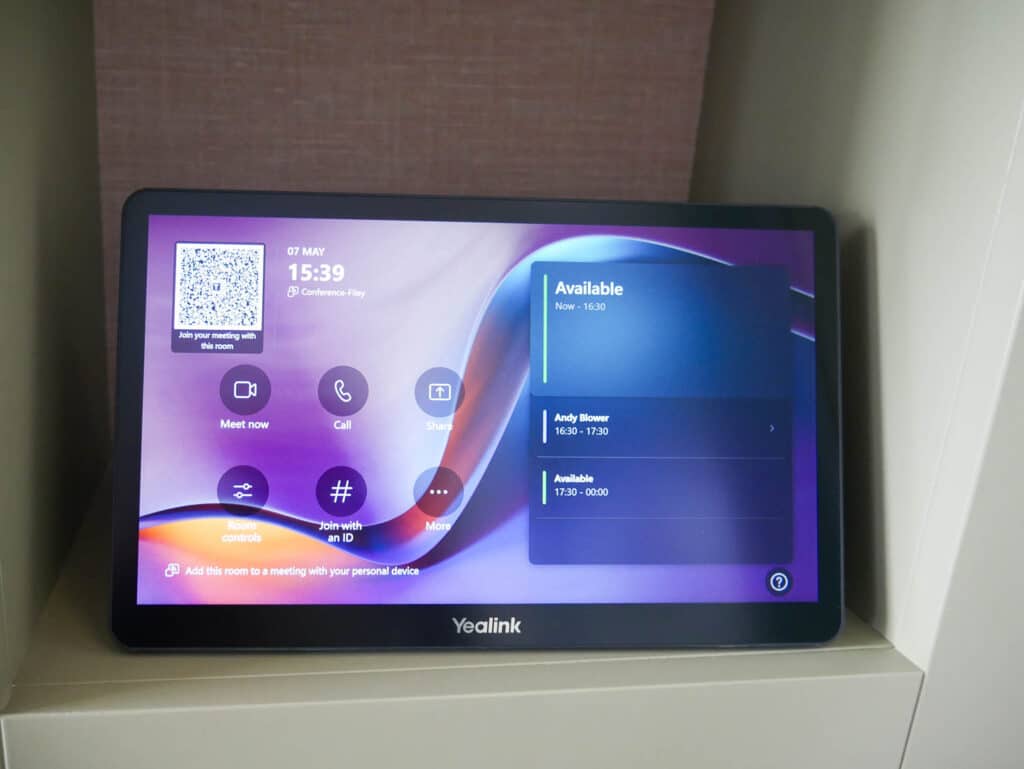
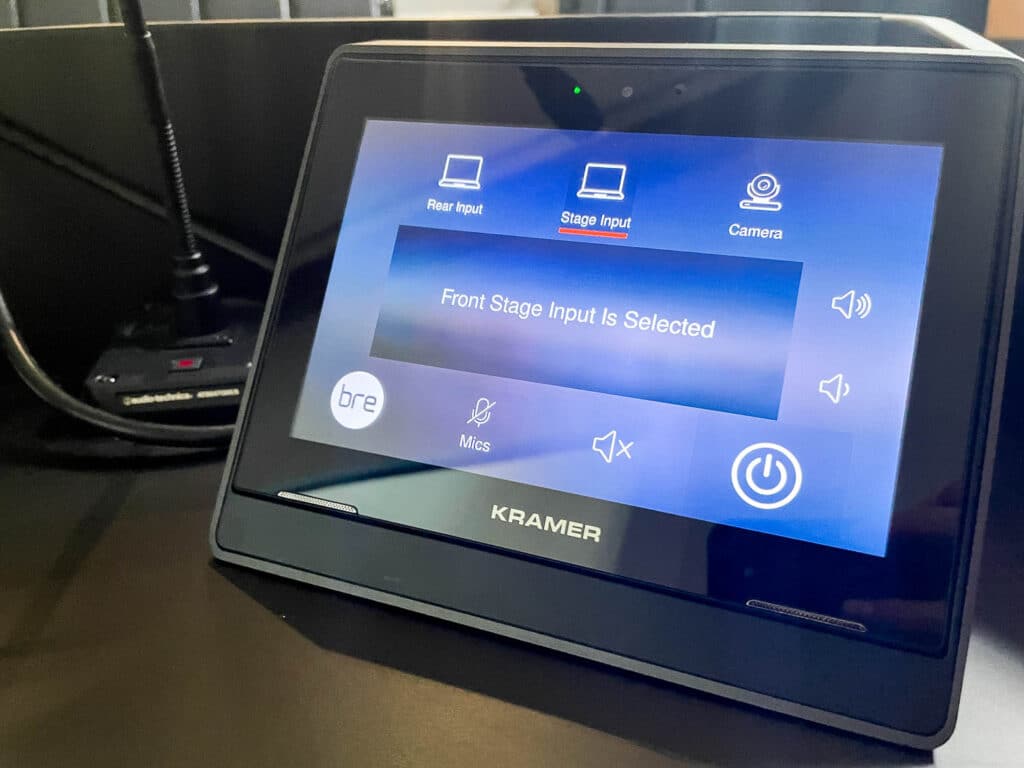
This is what the person in the room sees and touches. It could be a dedicated wall panel, a touchscreen on the table, a tablet, or even a mobile device. The interface is designed around how the room is actually used, so rather than showing every possible option, it presents the right choices in the right order for that specific space.
- Device integration
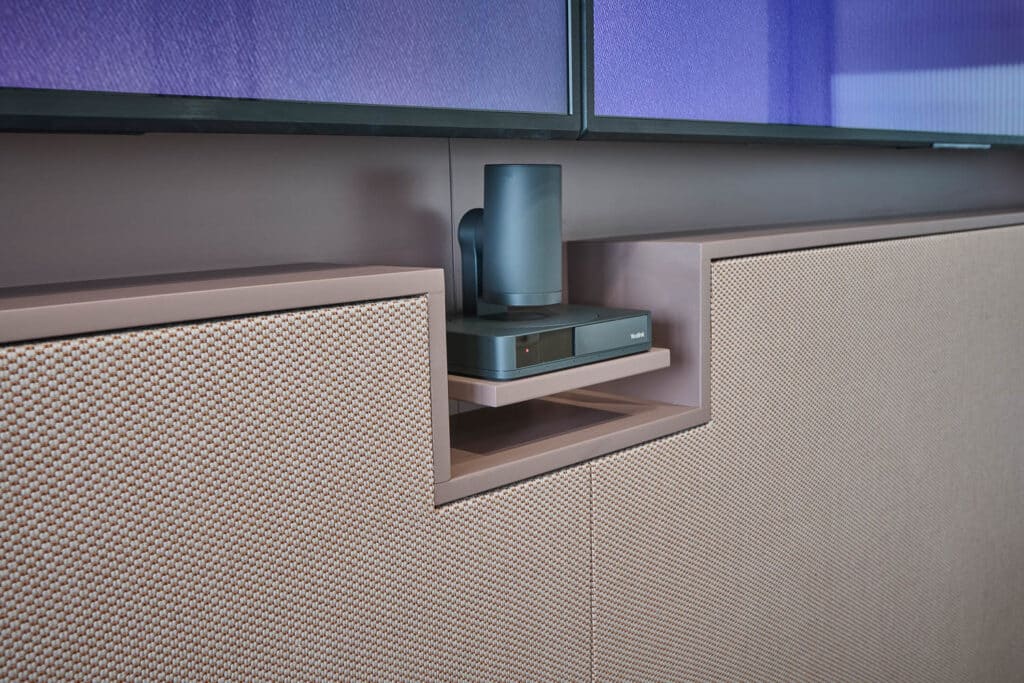
The control processor connects to each piece of AV equipment via a combination of HDMI, IP networks, serial connections, or IR signals, depending on the device. Modern systems increasingly communicate over IP, which means they sit on the building’s network and can be managed and monitored remotely.
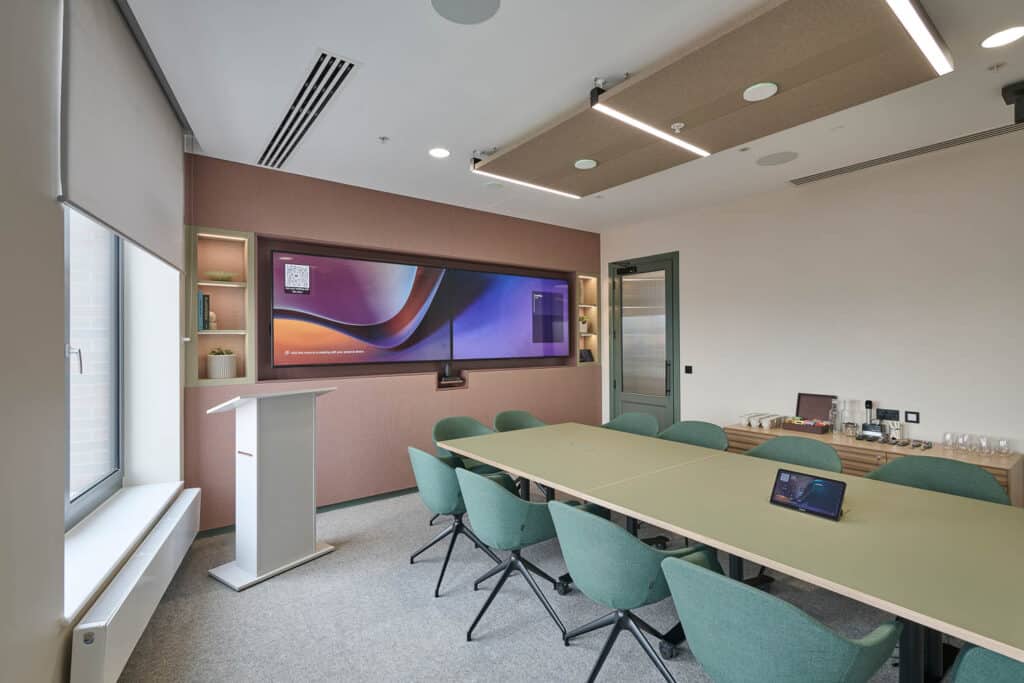
The whole system is programmed during installation to match the specific requirements of the space. A boardroom behaves differently to a collaboration hub. A training room needs different modes to a reception area. The control logic is configured accordingly
The Business Case: What Does It Actually Change?
The benefits of an AV control system are felt differently depending on your role, but they tend to land in the same places regardless of who’s asking.
- Meetings start on time:
Lost minutes at the beginning of a meeting, fiddling with cables, switching inputs, waiting for a display to wake up, are a quiet but consistent drain on productivity. A control system removes that friction. For anyone who runs or attends meetings regularly, that’s immediately noticeable.
- Technology gets used properly:
Organisations routinely invest in capable AV equipment that then sits underused because people aren’t confident operating it. When the interface is intuitive, people use what’s available, video conferencing, wireless presentation, audio properly set up, rather than defaulting to the path of least resistance. The investment delivers what it was supposed to.
- Spaces feel consistent:
Whether you manage one building or several, inconsistent room setups create confusion. Staff visiting a different office, or moving between floors, must relearn how each space works. A standardised control system means every room behaves the same way, which builds confidence and reduces the number of people asking for help.
- Support pressure drops:
Complicated room technology generates a steady flow of requests, from staff who can’t get the screen to work, to IT having to attend rooms for issues that shouldn’t require a site visit. Simplifying the interface reduces these incidents at source, freeing up time for everyone involved.
- Spaces are easier to manage at scale:
For those responsible for larger estates, modern AV control platforms offer remote visibility across rooms -status, fault alerts, usage data. That means issues can often be identified and resolved without physically attending every space, which matters more as the number of rooms grows.
What to Consider When Specifying a Control System
If you’re evaluating AV control for your workplace, a few practical considerations:
Scalability. A system that works well in one room should be deployable consistently across many. Understand how the platform handles multi-room or multi-site deployments before committing to it.
Platform compatibility. Your control system needs to integrate with the conferencing platforms your organisation uses, Microsoft Teams, Zoom, Google Meet, as well as any existing room booking or workplace management tools.
Ease of administration. Consider who will manage the system day-to-day. Some platforms are significantly more straightforward to administer than others, and the gap in ongoing support effort can be considerable.
Future flexibility. Technology changes. A well-specified control system should be programmable to accommodate new device
AV Automation: The Next Step
A control system manages how a space responds to a user’s commands. AV automation takes this further – rooms that respond to context, not just input.
Examples include:
- Occupancy-based automation: the room powers down displays and conferencing equipment automatically when it detects no one is present, reducing energy consumption and wear on devices.
- Scheduled modes: spaces configured to automatically switch to presentation mode at certain times, or to reset to a default state overnight.
- Sensor integration: rooms that adjust lighting and audio based on how many people are in the space, or that trigger certain behaviours when a booking begins.
Automation is increasingly relevant for facilities managers overseeing large estates where manual room management isn’t practical at scale. It also supports sustainability targets by reducing unnecessary device runtime.
Working With a Specialist
AV control systems aren’t a commodity product; they’re engineered solutions that need to be designed around how each space is used. The programming, device integration, and user interface all require specialist knowledge to get right.
Getting it wrong typically means rooms that are confusing to use, systems that partially work, and a return to the support burden a control system was supposed to solve.
Working with an experienced AV integrator from the specification stage, rather than after equipment decisions have already been made, gives the best chance of a system that performs reliably from day one.
If you’re looking at AV control for a meeting room, collaboration space, or larger commercial environment, our team can help you understand what’s right for your specific setup.
[Explore our AV control systems →]
About the author
Shelley Townend is the Marketing Manager at Universal AV, where she has spent over 14 years developing the company’s brand, content, and communications strategy. With a front-row seat to more than a decade of change in the AV and workplace technology industry, she writes about the trends, challenges, and ideas shaping how organisations design and use their spaces.
Linkedin: https://www.linkedin.com/in/shelleytownend/
Start your project today
To discuss your audio visual needs for your next project contact us. We will work with you to devise a solution to meet your requirements and needs.
Call 01274 200280
Email sales@uniav.com
Send us a message
"*" indicates required fields